
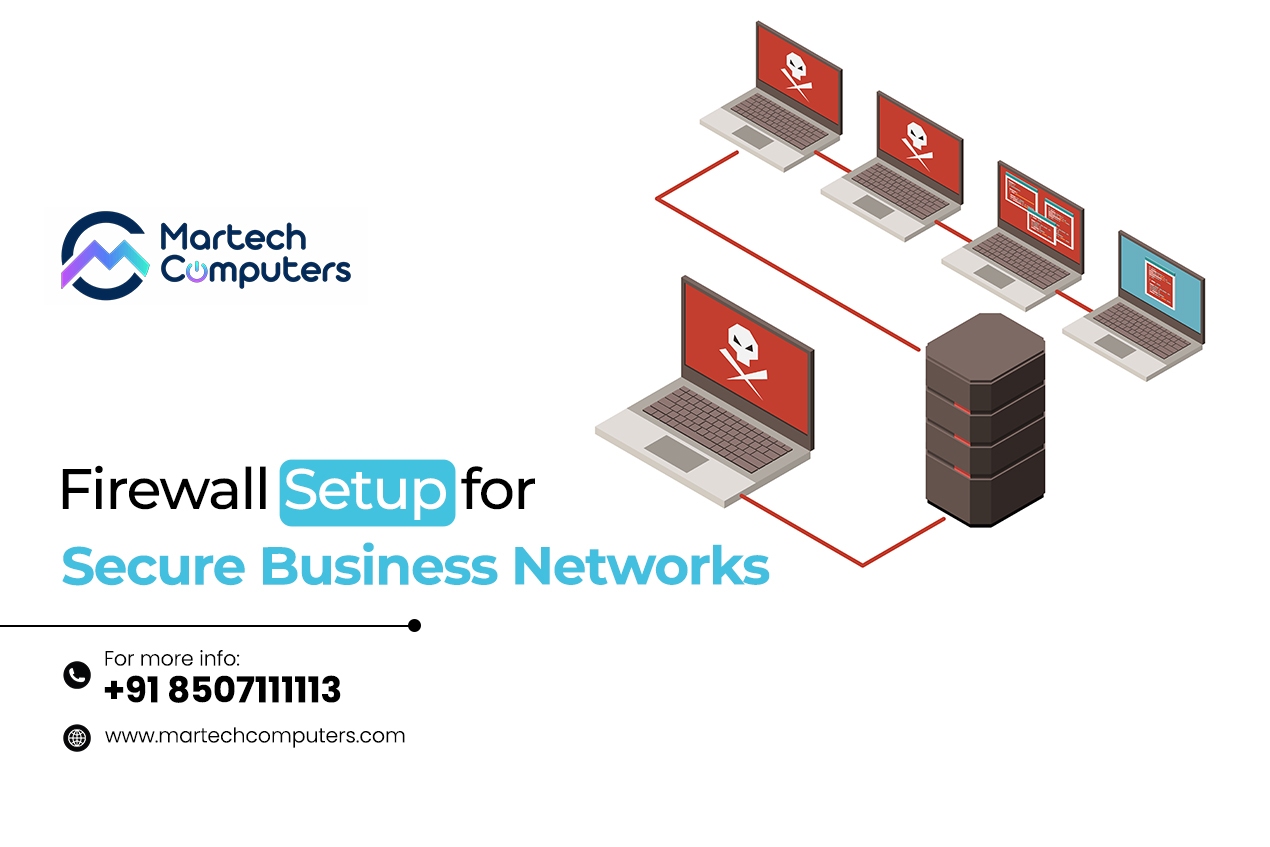
Today, there are more people using Wi-Fi, cloud computing tools, e-mail, and remote logins in the workplace, which puts a lot of strain on business networks. In this age of increased cyber attacks, small and medium-sized businesses are becoming a prime target for cyber criminals because they tend to have much less security than larger companies.
Therefore, having a proper firewall installation is no longer an optional add-on; it is an essential component of your office network infrastructure. A good way to think of a firewall is as the gatekeeper to your office network.
All data that wants to enter or leave your office must come through your firewall first. Your firewall will screen the incoming or outgoing data and block any data that appears to be malicious, while allowing through any data that complies with your office’s rules.
Small businesses in Chandigarh and Mohali are increasingly becoming targets of cyber threats, making firewall installation an essential part of office network security.
Having a firewall coupled with professional IT networking services will not only allow your company to stay online, but also keep your company protected.
What a Firewall Actually Does for Your Business
A firewall can be a hardware or software device placed at the perimeter of your office network that monitors and filters all data traffic coming into and out of the network. The firewall is constantly checking for and analyzing data that is attempting to connect with your office network and is making real-time decisions whether to allow or deny access to the network.
In layman’s terms:
A firewall determines who is allowed to communicate with your network and who is not.
1. A Firewall Protects Against Hackers And Malware
A Firewall Stops Suspicious Communications (Traffic Is The Root Cause Of Most Hacks) And Also Stops Viruses, Ransomware, And Brute Force Login Attempts Before They Make It Into Your Systems.
2. A Firewall Helps Control Access To Your Network
It’s Not Ok For Everyone In Your Company To Access Only The Things They Should Or For Your Devices To Access Only The Things They Should, Either. A Firewall Will Allow You To Limit The Departmental System Or App Communication Direction.
3. A Firewall Can Help Reduce The Risk Of Data Leakage
A Firewall Will Also Monitor Outbound Communications. If You Are Sending Sensitive Information (Credit Cards, Personal Data, Etc.) Out Without Permission, A Firewall Will Block That Communication.
4. A Firewall Gives You Visibility And Controls
You Will Have The Ability To See Who? Is Accessing What?? And when?? And From Where?? This Will Allow You To Detect Issues Early, Instead Of After Damage Has Occurred.
This Is What Makes This Topic Relevant To Every Office Owner Today — How A Firewall Protects Business Data Should Be The #1 Question On Their Mind.
Firewall Installation: Step-by-Step (Generic)
Installing A Firewall Is More Than Just Plugging A Device Into The Wall And Turning It On – It Is The Design Of Your Network To Be Secure, Reliable, And Scalable For Future Growth:
The Common Way A Professional Will Plan Your Network:
Step 1 – Plan Out Network Zones
- To Create An Overall Office Network, You’re Going To Segment Your Office Network Into Different Zones, Such As:
- Internal/User Network (where staff, clients, and guests access the network).
- Guest Wireless Networking Zone (where customers access the network).
- Public Access Area (where members of the public are allowed to access the network).
- Remote Access Zone (for employees using your company VPN).
- This Creates Separation Between Public/Non-Risky Traffic & Your Corporate Data/Systems.
2. Choose and Deploy the Firewall
Next, IT teams will choose the right firewall for your environment by looking at the following factors:
- The size of your office
- How many devices there are
- The type of data that you will be handling
- How much you can afford as well as how scalable it needs to be for future growth
A firewall can either be a hardware firewall, a cloud firewall, or a unified threat management (UTM) device.
Next, IT teams will connect:
- The WAN (your internet connection)
- The LAN (your internal network)
3. Configure Basic Settings
Next, you will configure your firewall with some basic settings which include:
- Assigning IP Addresses
- Creating VLANs
- Set up any NAT rules
- Define Security Zones
These are all the technical basics on how to set up your Office Network.
4. Build Rules and Policies
Next, you will build Rules and Policies. This is where the real protection occurs:
- Allow only the required type of traffic
- Block unwanted port/protocol combinations
- Implement Least Privileged Access
- Build access restrictions based on the role and/or department.
5. Test and Monitor
After completing the firewall setup process and before going Live, IT teams will:
- Validate connectivity
- Simulate traffic
- Enable alerts/logging for the firewall
- Monitor all activity after going live
This is where IT Networking Services come into play…
They manage all of the complexity so you can concentrate on your Core Business Functionality without disruption.
Importance of Firewall Installation for Offices
A well-configured firewall provides multiple benefits to people that work within today’s business model.
Protects Your Business’s Most Prized Asset – Data.
When a customer sends you private information, such as their name, email address, home address, credit card number, and so on, you will want to protect that information from unauthorized individuals.
Help to Achieve Compliance and Build Trust
Using firewalls is a way to help meet the requirements of data privacy and security standards. This provides assurance to clients, partners, and vendors that their private information is secure with you.
Help to Ensure Business Continuity
Cyberattacks can cause downtime; downtime will cost your business money. The use of firewalls can help reduce the chances of a ransomware attack, systems going down due to power outages, and data breaches.
Help to Provide Visibility and Control
With the use of firewalls, you are always aware of who is accessing your network, what they are accessing, and where they’re accessing it from.
Simply put, the net positive impact of the installation of a firewall in an office is protection, control, and peace of mind.
The protection that a firewall provides to businesses to prevent data from being lost or compromised is accomplished through its ability to act as a primary and permanent security barrier for a business.
Now that you know what’s the importance of firewall installation, let’s move to explore the right timing.
When to Bring in IT Networking Services For Office Network Setup
Your Office has any of the following:
- Devices that exceed 5-10
- Cloud-based applications
- Users who work remotely
- Payment Card Industry (PCI) Compliance Exposure
- Shared Servers ie: shared files among employees
- Wi-Fi networks for both staff and guests
Then you do not have the appropriate firewalls and network configurations set.
Professionally managed network services will assist you with:
- Designing your Office network configuration securely
- Installing and monitoring firewalls
- Providing access controls and endpoint protections
- Maintaining and upgrading your networks/firewalls.
The small to mid-sized office can greatly benefit from professional assistance because if a firewall rule is improperly configured, it can cause disruptions or expose your network.
With professional firewall installation and Office network setup, your risk drops dramatically and your system runs smoother.
Conclusion
There are so many firewall installation benefits for offices in this modern era. This acts as the first line of defence for all of your data, ensures that you can control your traffic and prevents cyber threats from developing into problems for your business.
When combined with:
- A robust Office network configuration
- Professional IT networking services
you don’t just have access to the internet. You now have access to a secure business network.
By 2026, all businesses will be classified as digital. Therefore, all digital businesses require a fully planned, configured and monitored firewall.
If you want to ensure the security of your network and data, begin with the professional installation of a firewall and allow IT networking services to manage your network and data.